What you get
You get a smaller, more useful view of your saved library and quick access to frequently used items.
How to use it
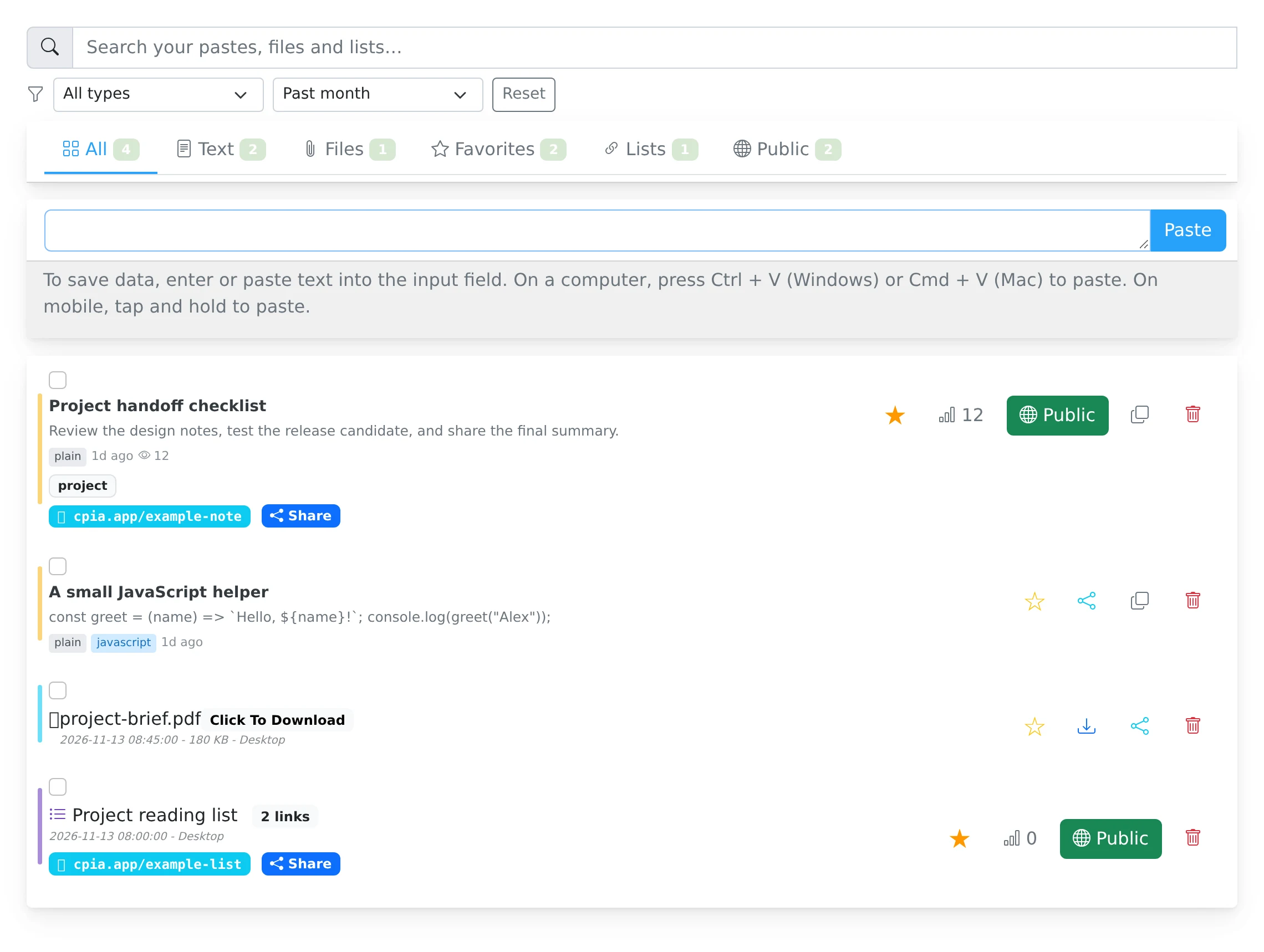
- Open My pastes and type a relevant word into the search box.
- Use the content tabs to focus on text, files, lists, favorites, or shared items.
- Narrow the view with the sharing-state filter and date range, or select a custom range.
- Use the star beside an item to add it to Favorites. Remove the star when you no longer need the shortcut.
Combine the filters to find a specific item
If you remember roughly when you saved something, a date filter can be more helpful than a long keyword. If you need to review temporary links, choose the expiring sharing-state filter. The dashboard also distinguishes private, public, code-protected, and discoverable items.
A narrow filter can make existing items appear to be missing. Clear the search, choose All time, or use Reset before assuming an item has been deleted. Date-range preferences can be remembered for later visits.
Keep frequent items close
Favorites are a personal shortcut for reusable snippets, documents, or resource lists. Starring an item does not publish it or change its audience. Your favorite allowance is part of the current plan.
Use titles that match the words you will search for later. Encrypted bodies are not available as readable original text to server-side search, so a neutral but recognizable title is especially useful for an encrypted item.
Things to know
- Check active filters when a paste seems to be absent.
- Use the Public tab and sharing-state filter to review what you have made available to others.