What you get
You get a link another person can open in their browser, plus a quick way to move text between devices.
How to use it
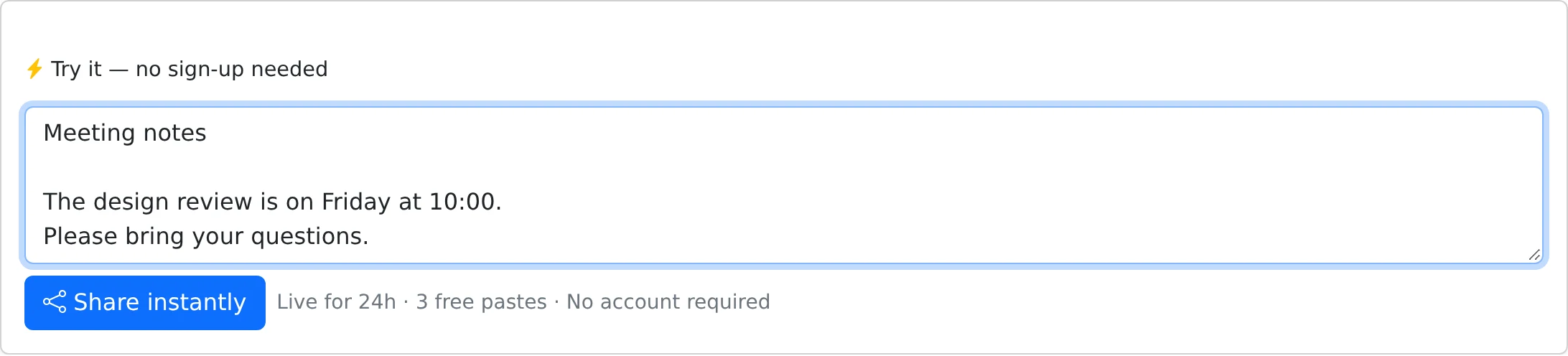
- Open the homepage while signed out and enter your text in the quick-paste box.
- Submit the paste and wait for the share link to appear.
- Copy the complete link and send it to your recipient, or open it on your other device.
- For ongoing storage and more sharing choices, register or sign in using the same browser session.
A simple handoff for everyday text
Use a guest paste for a meeting address, a short note, or a command you need on another computer. The recipient does not need an account. Anyone who has the complete link can open the text while its access window is active.
Guest pastes use plain text. The website accepts up to 32 KB per paste and up to three guest pastes from the same IP address in 24 hours. Shared office or home networks may share that allowance.
What the 24-hour limit means
The public link stops displaying the text after 24 hours. This is an access deadline, not a promise that the underlying record is erased at that instant.
The account flow can claim guest pastes created in the same browser session. Claiming changes ownership; it does not automatically remove the original expiry. Open the paste’s Share settings in your account if you want to change its availability.
Things to know
- Use an account when you need an access code, a custom deadline, files, or a collection of links.
- Keep the link somewhere you can find it; an anonymous paste is not a substitute for your own backup.