What you get
The paste body is encrypted before upload. A recipient needs its key, or enough key shares, to read it.
How to use it
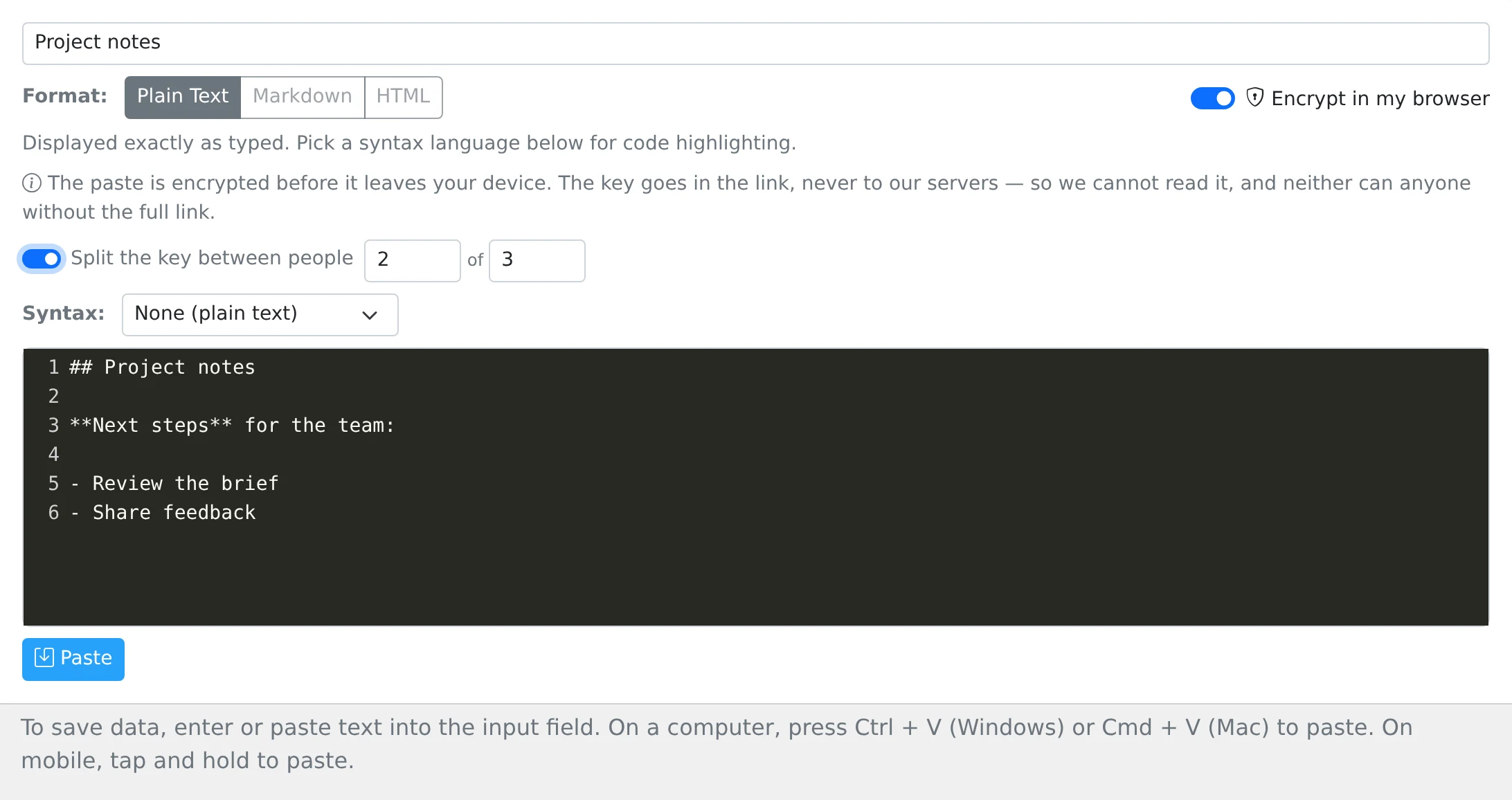
- Open the Text tab, enter your content, and enable Encrypt in browser.
- If needed, enable the quorum option and choose how many shares are required out of the total.
- Save the paste and immediately copy the displayed key information to a safe place.
- Open Share and choose the access settings. For a normal encrypted share, preserve the complete link including #k= and the key after it.
- For a quorum handoff, give each person their own key share and provide the paste link without the complete decryption key.
Keep the key; it cannot be recovered for you
The browser creates the encrypted body and the decryption key separately. The save request sends the encrypted body; the key is included in the link fragment after #k= when you share it. The current tab keeps the key temporarily so it can build that complete link.
Copy the key before reloading or closing the page. The account does not provide a key-recovery feature. Anyone given the full keyed link can decrypt the body once the other access rules allow them to retrieve it.
What encryption covers
This option encrypts the text body, not every piece of information associated with the paste. Titles and account or sharing metadata are separate. Choose a neutral title if the subject itself is sensitive.
Encrypted pastes are handled as plain text rather than ordinary server-rendered Markdown or HTML. The stored encrypted text is not a readable body that server-side search can search as your original words.
Share responsibility with a quorum
The quorum control splits the key into shares, such as any two out of three. The reading page accepts enough shares to reconstruct the key. This is a key-sharing workflow, not a live voting or identity-verification service.
Do not distribute the full key alongside the shares if your goal is to require cooperation: the full key can decrypt on its own. Keep the shares and key with the same care as the original information.
Things to know
- Use the full keyed link for encrypted text; the ordinary server-generated QR image does not include the browser-only key fragment.
- Test the workflow with sample text before saving the only copy of something important.