What you get
The share is retired after an eligible read, so later visitors cannot open it through that share.
How to use it
- Save your text and open Share.
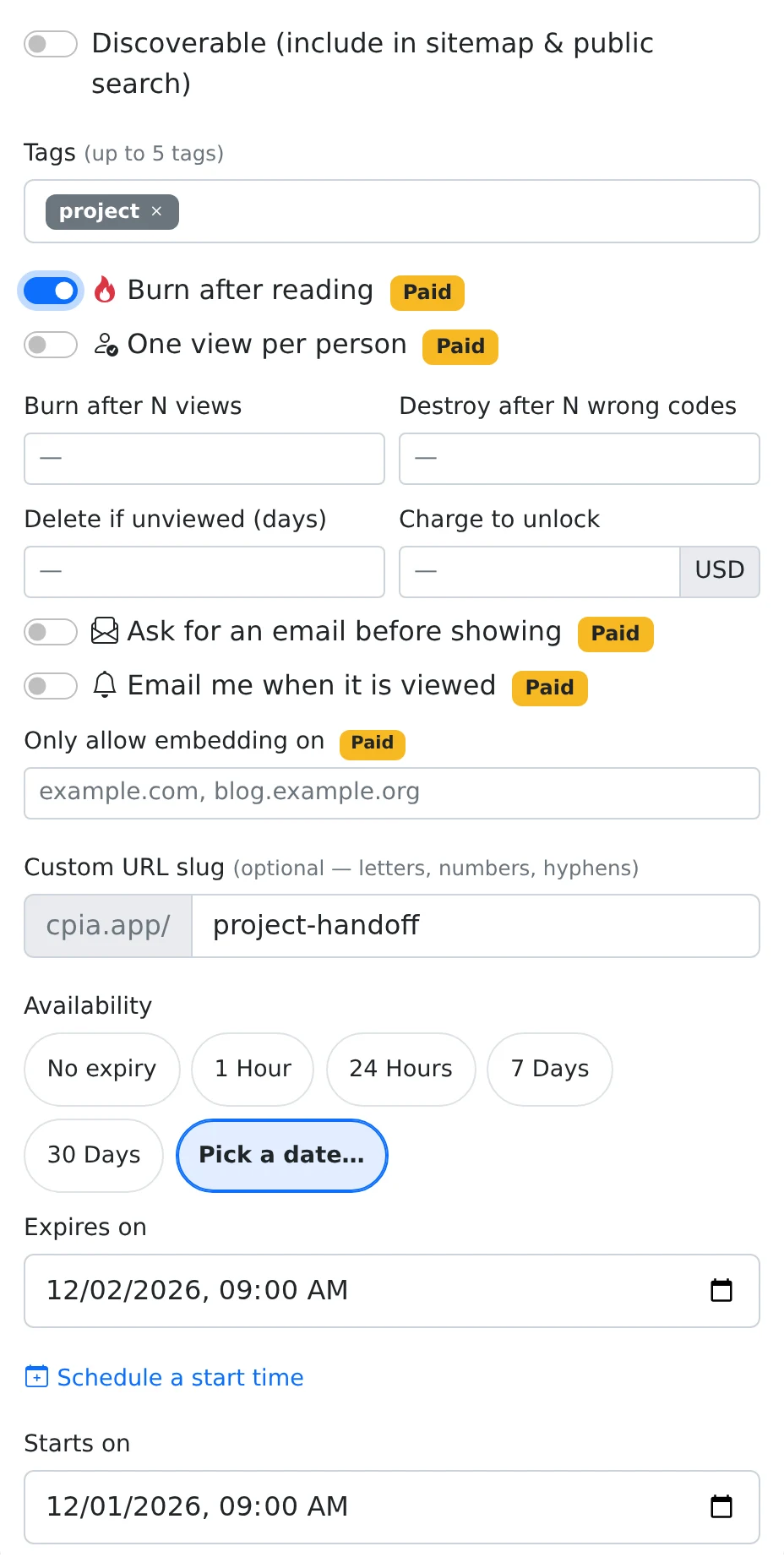
- Choose the audience, expand More options, and enable Burn after reading.
- Add an access code or deadline if appropriate, then save the settings.
- Send the link without opening it yourself. Ask the recipient to copy any information they need during their first read.
What counts as the read
The public content request consumes the share after the content is permitted to be served. Opening your own link to check it can use the read. Recognized bots are excluded from the view count, but you should not assume every automated preview will always be recognized.
An already-open page or a copy made by the reader is not remotely erased. The rule controls subsequent access through the service. The saved paste stays in the owner’s account because the operation removes the share record.
Use a view budget for more than one opening
Burn after N views is another paid option under More options. It disables the share after the configured number of recorded human views. This is a count of views, not a guarantee of that many different people.
The count is based on the paste’s recorded view history. Re-sharing an old paste does not make it a fresh item with no history. Start with a new paste when you need a clean view budget. Public embeds and file requests can also count as views, so plain text is the simplest one-read handoff.
Things to know
- Do not open a live one-read link just to verify that it works; use harmless demonstration content first.
- Avoid combining a file download with a one-read budget unless you have tested the complete recipient flow.