What you get
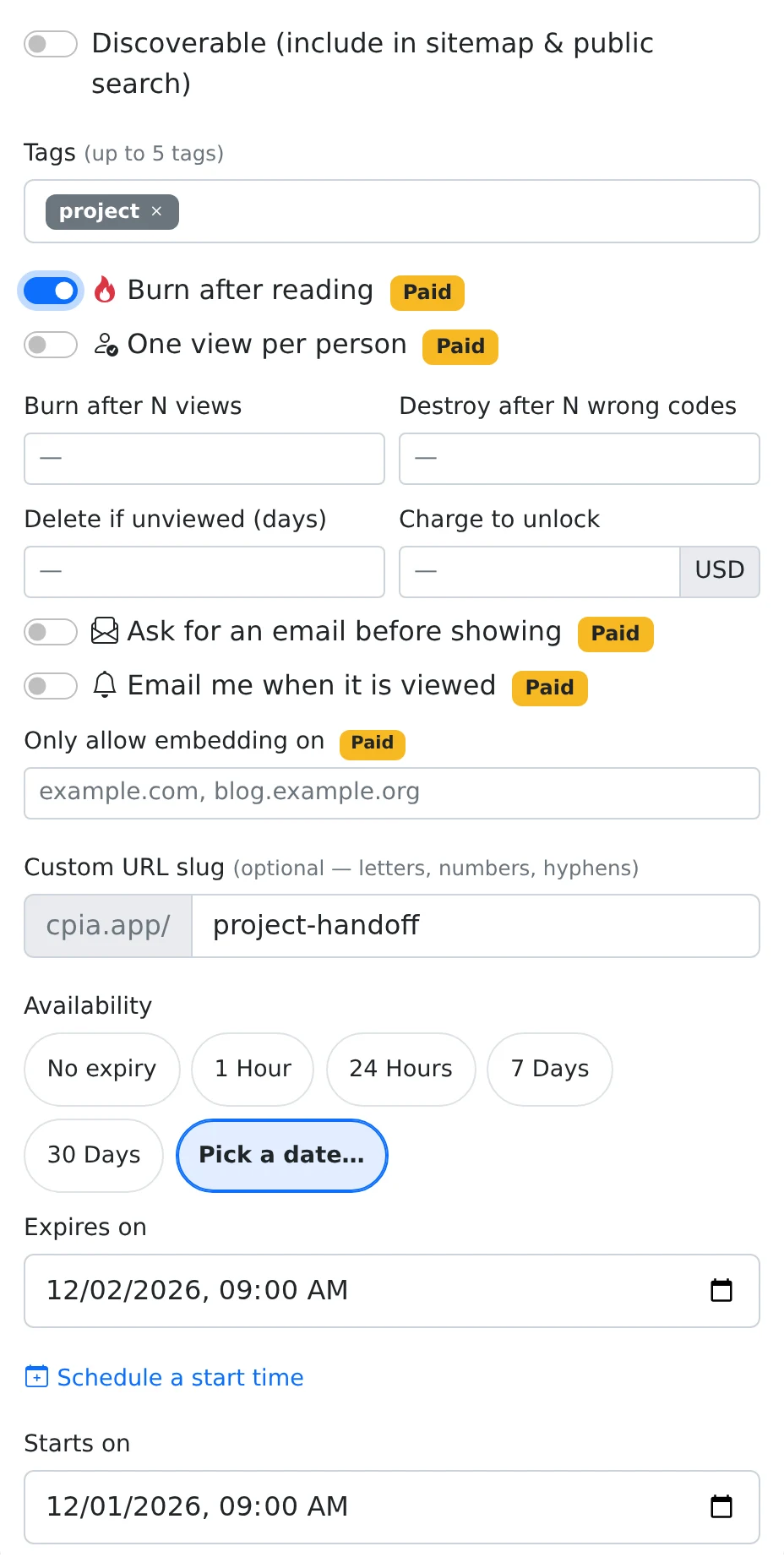
Your share can refuse repeat visits or disable itself when the selected usage condition is reached.
How to use it
- Open Share for the item and expand More options.
- Choose only the rules that match your intended reader experience.
- Set any numeric thresholds, such as a view budget or the number of unviewed days.
- Save the settings and explain the access restrictions when you send the link.
One view per person uses the network address
One view per person checks whether the same IP address already has a recorded view of the paste. A second request from that address is refused. It does not identify people through an account or a verified identity.
People on a shared office, school, or home connection may appear to have the same address. A person changing networks may appear to be a different visitor. Use this rule when that approximation fits the task.
View budgets and wrong-code limits
Burn after N views removes the share when the paste reaches the selected recorded-view count. Destroy after N wrong codes applies to failed submissions on a code-protected share. These rules retire access; they do not erase the owner’s saved paste.
Previously recorded views still matter when re-sharing an existing item. Choose a new paste if the rule must begin with no earlier views.
Delete if unviewed measures inactivity
The unviewed-days option checks time since the latest recorded view, or since the paste was created when it has no views. If that period is longer than the configured threshold, the next access attempt disables the share.
This is evaluated when someone requests the content; it is not an immediate scheduled deletion job. A recent view refreshes the inactivity reference, while an old paste with no views may already exceed the threshold.
Things to know
- Start with one restriction at a time so the recipient experience remains clear.
- Use a fixed expiry when you need a predictable closing date regardless of view activity.