What you get
You control your sign-in details and can keep a portable JSON copy of the data included in the export.
How to use it
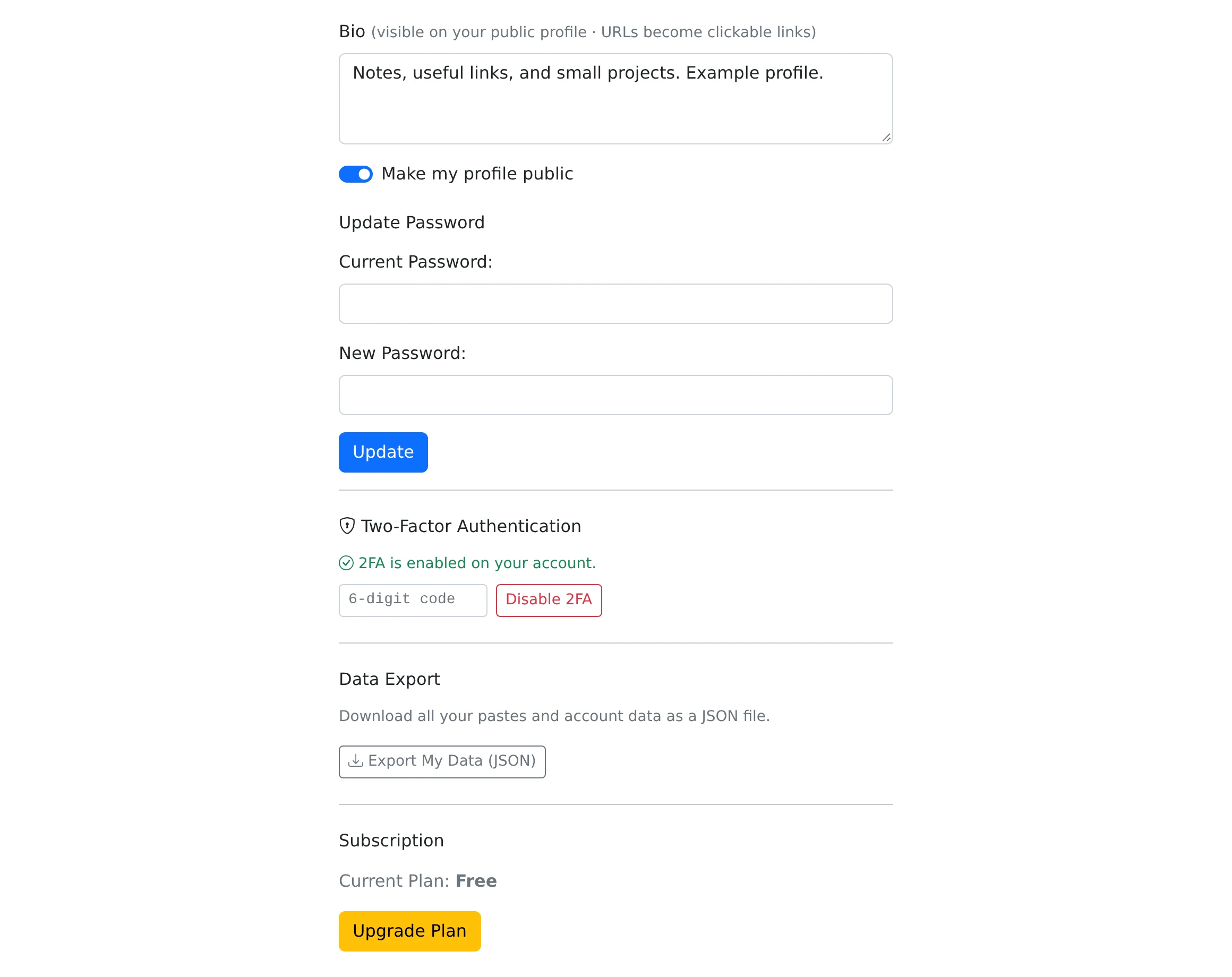
- Open My account to review your profile and account information.
- To enable two-factor authentication, open its setup flow and scan the QR code with an authenticator app.
- Enter a current authenticator code to confirm setup and save the backup codes shown afterward.
- Use Export my data in the account page to download the JSON snapshot when needed.
Add a second sign-in check
Two-factor authentication asks for a current authenticator code after the account sign-in step. Setup is completed only after a valid code is entered. The flow provides backup codes for occasions when you cannot use the authenticator.
Store the backup codes somewhere you can access independently of the device holding the authenticator. Each backup code is intended for a single use. Disabling two-factor authentication requires a valid authenticator code through the account flow.
Account changes and recovery
Use My account to update supported personal details and profile images. An email change has a confirmation flow, so check the new address for the confirmation message rather than assuming the change is finished immediately.
If you forget your password, use the recovery link on the sign-in page and follow the reset email. Password recovery and the encryption key for an individual paste are different: resetting your account password does not recover a lost browser-encryption key.
Keep an export when you need a snapshot
Export my data downloads a JSON file containing the account and paste information selected by the export feature. It is a data snapshot, not a promise that uploaded file bytes or every associated record are included. Download important uploaded files separately.
Store an export carefully because it may contain personal information and paste content. The privacy and data-subject-rights pages provide the route for further data requests.
Things to know
- Save the backup codes before leaving the two-factor setup result.
- Revoke unused API tokens as part of reviewing your account access.