What you get
You can match your storage and sharing needs to a plan and see the status of referrals in your dashboard.
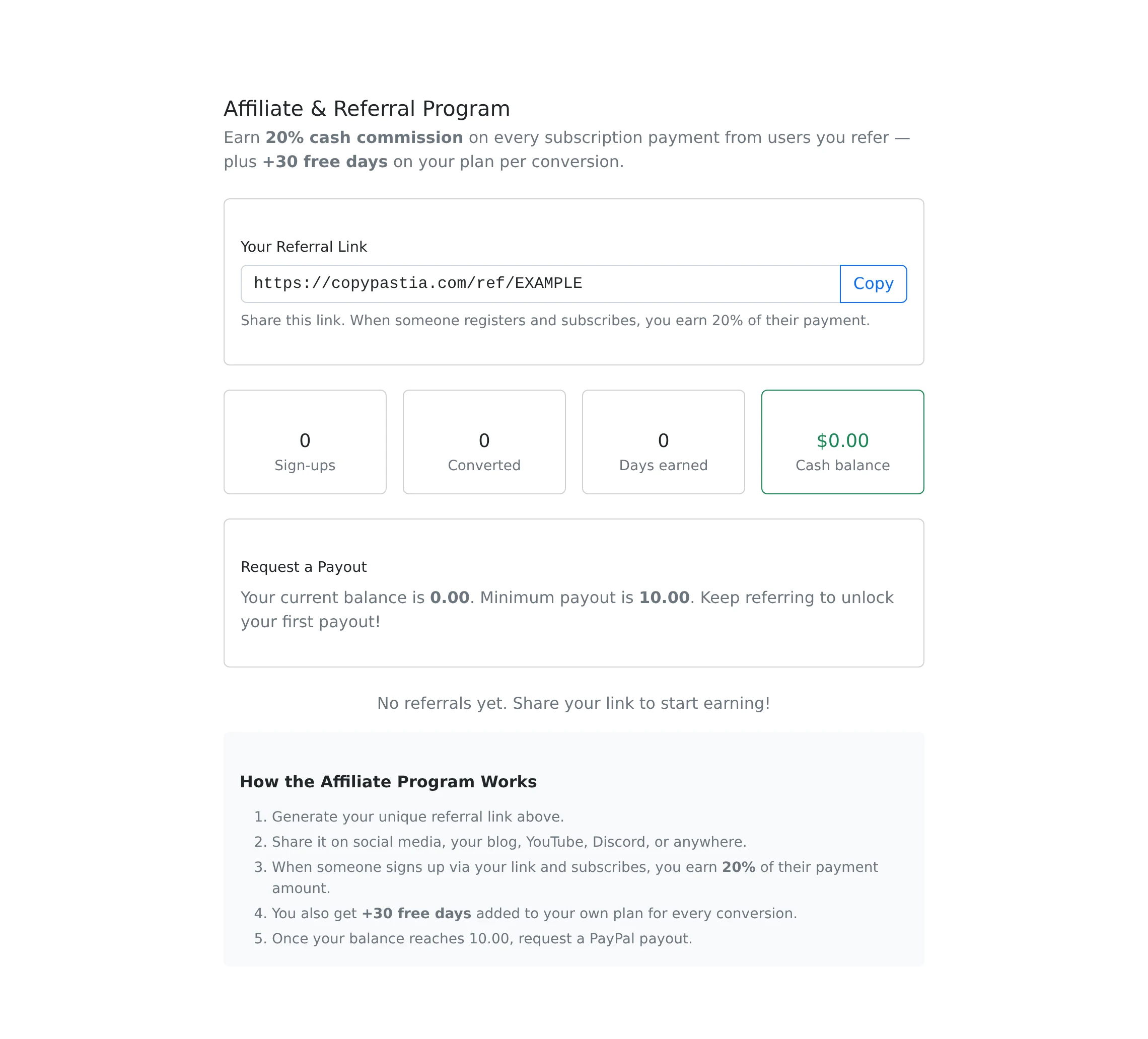
How to use it
- Open Pricing to compare the current plans and included allowances.
- Sign in and open Subscription to review your current plan and the upgrade choices.
- Complete the offered payment flow and return to check the subscription result.
- For referrals, open the referral dashboard, generate or copy your personal link, and review the current program terms before sharing it.
Compare the limits you actually use
Plan differences can include saved pastes, public shares, favorites, accepted file types, upload size, link counts, advertisements, API access, and daily API requests. Advanced share controls such as burn-after-read and inactivity reveal require a paid plan.
Use the live Pricing and Subscription pages for current prices and allowances. This guide deliberately avoids a fixed price table because configured plans can change. Check the displayed limits when deciding whether an upgrade solves a particular restriction.
Review the subscription result
Starting a checkout is not the same as completing payment. After returning from the payment provider, check the account’s current plan and any confirmation message. If something looks wrong, use Contact with the relevant payment reference rather than starting repeated purchases.
Before switching to a lower allowance, review the items and features you currently depend on. Your account interface is the source for the available subscription actions and their current status.
Referral activity and payouts are separate
The referral dashboard shows the personal referral link, tracked referrals, available balance, and payout requests. A visit alone is not the same as a qualifying paid referral. Read the program page for the applicable rewards and conditions.
When the displayed minimum is met, a payout request requires a valid PayPal email and is recorded for processing. A submitted request is not an immediate transfer. Referral payouts are separate from paid-paste unlocks; paid-paste author payouts are not currently available.
Things to know
- Compare the relevant allowance, not only the plan name.
- Use the referral dashboard to check recorded activity instead of assuming every shared link became a qualifying referral.