What you get
Readers can see an eligible paste inside a page you control, with access still governed by its share settings.
How to use it
- Create a public share for the content you want to display.
- In the successful share result, expand Embed code and copy the iframe snippet.
- Paste it into the HTML or embed block of your website editor.
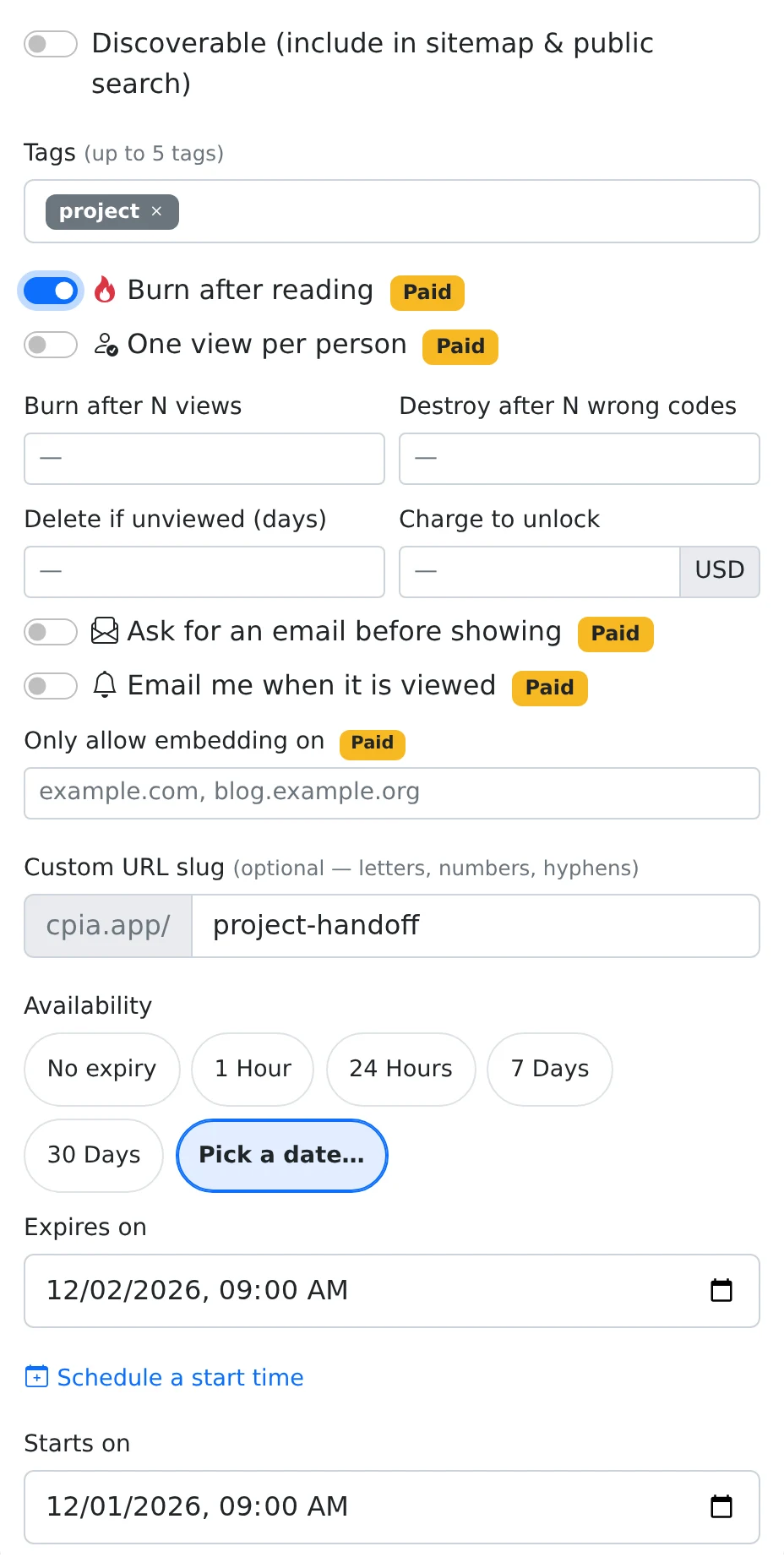
- On a paid plan, use Only allow embedding on in More options to list the intended hostnames, then save the share settings.
A display inside your own page
Embedding is useful for a readable code example or note that belongs alongside an article. The iframe loads the paste from Copypastia, so the surrounding page does not have to contain a separately copied version of the content.
The embed endpoint is intended for eligible public shares. Code-protected, sealed, email-gated, or payment-gated content may not display as an inline embed. For those workflows, use the normal share link so the recipient can follow the access screens.
Set an allowed host list when needed
The paid domain option accepts hostnames such as example.com and blog.example.org. This controls where the content may be framed; it is not a list of people who are allowed to open the ordinary public URL.
An embedded view is still a content request. Expiry and view-consumption rules can affect it, and loading an embed can consume a burn-after-read share. Keep normal reusable embeds free of one-time restrictions unless that behavior is deliberate.
Things to know
- Test the embed on the actual website, including its mobile layout.
- Use a standard share link when a recipient needs to enter information or complete a payment first.